Screenshots
Screenshots of ActiveVPN in action. All images live in the docs/assets/screenshots/ folder.
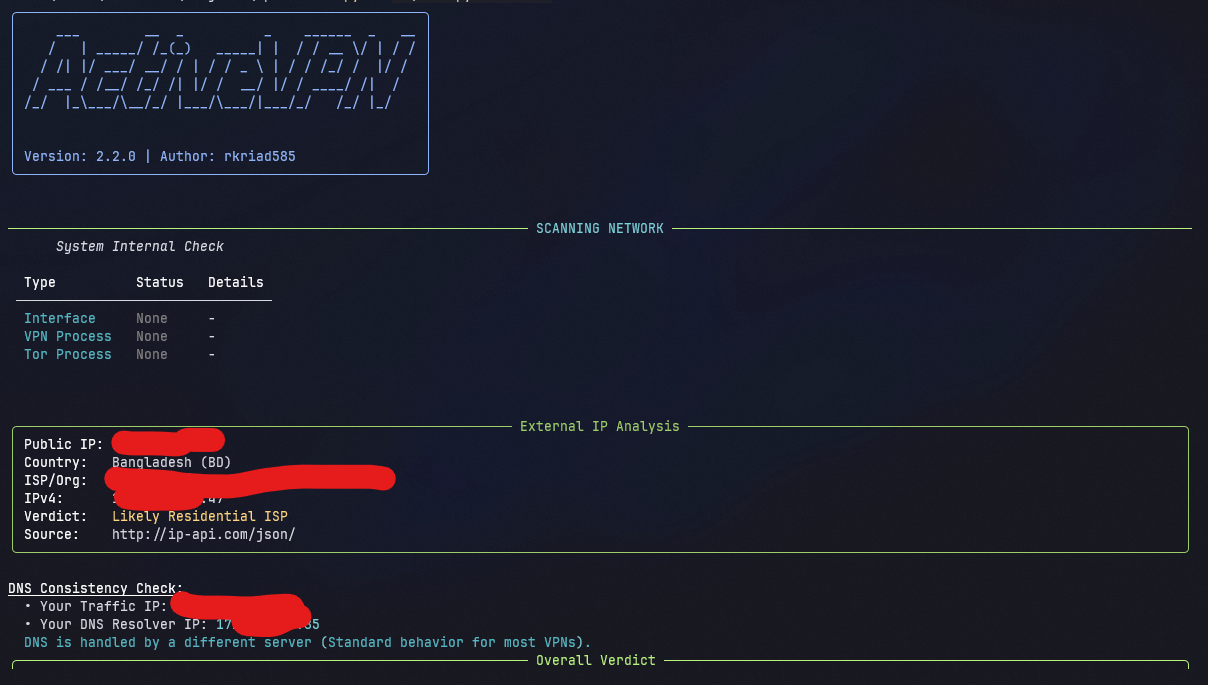
home.png
The default scan output: system internal check, external IP analysis, DNS consistency check, and the overall verdict.
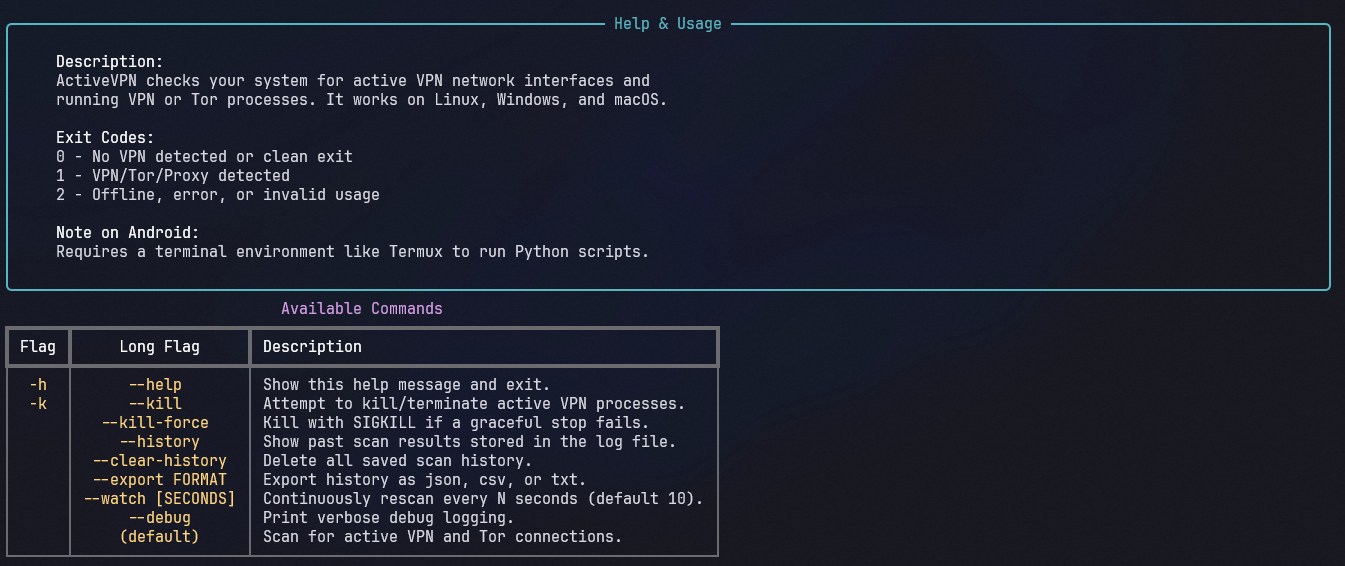
Help.png
The help menu rendered with activevpn --help, listing every available command and the exit codes.
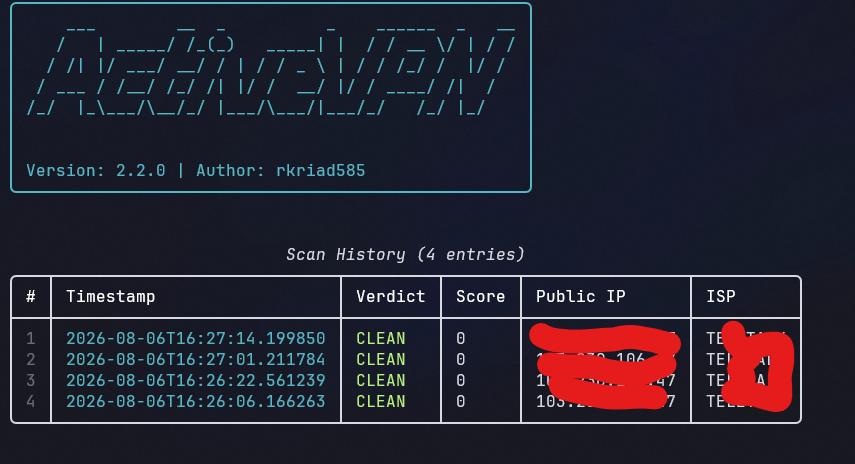
History.png
The scan history table shown with activevpn --history.