Screenshots
This page lists every image inside the Screenshots/ directory. The images show the Abscom code in a VS Code-style editor and are generated by tools/generate_screenshots.py with Pillow.
Regenerate them after editing the code snippets:
home.png
The front-page screenshot: hello.c, the quick-start program that uses the dynamic runtime — List/Dict, the v() literal macro, append/dset/dget, and print.
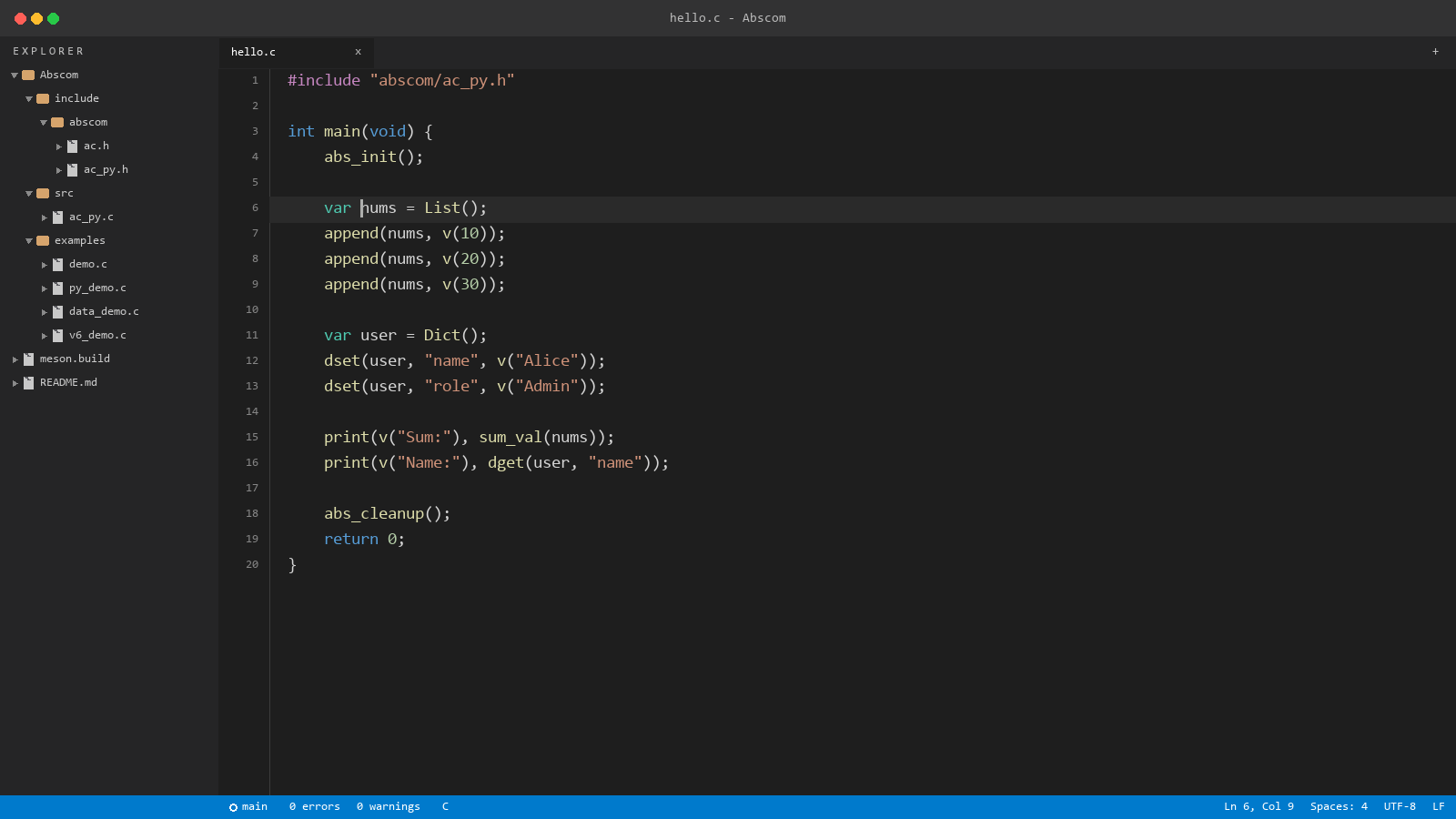
hello.c — the quick-start program.
abs_py.png
py_demo.c, a walkthrough of the Python-inspired runtime: json_parse, sets with deduplication, the foreach macro, range, and the Class/New/set_attr/get_attr object system.
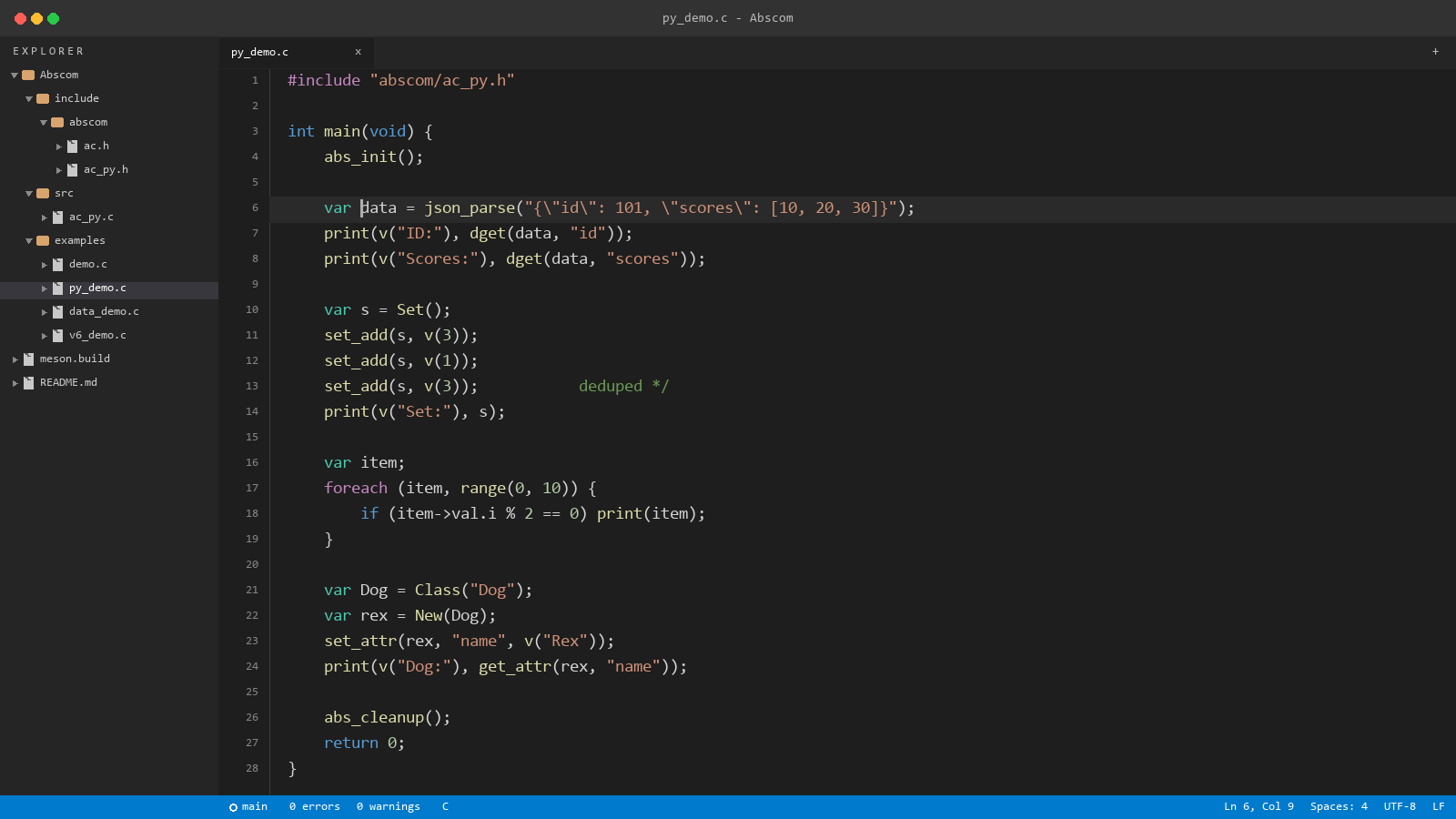
py_demo.c — dictionaries, JSON, sets, foreach, and classes.
core.png
core_demo.c, the low-level modules: growable string (abs_string), dynamic array (abs_dynarray), hash map (abs_hashmap), wall clock (abs_time), and file I/O (abs_fs).
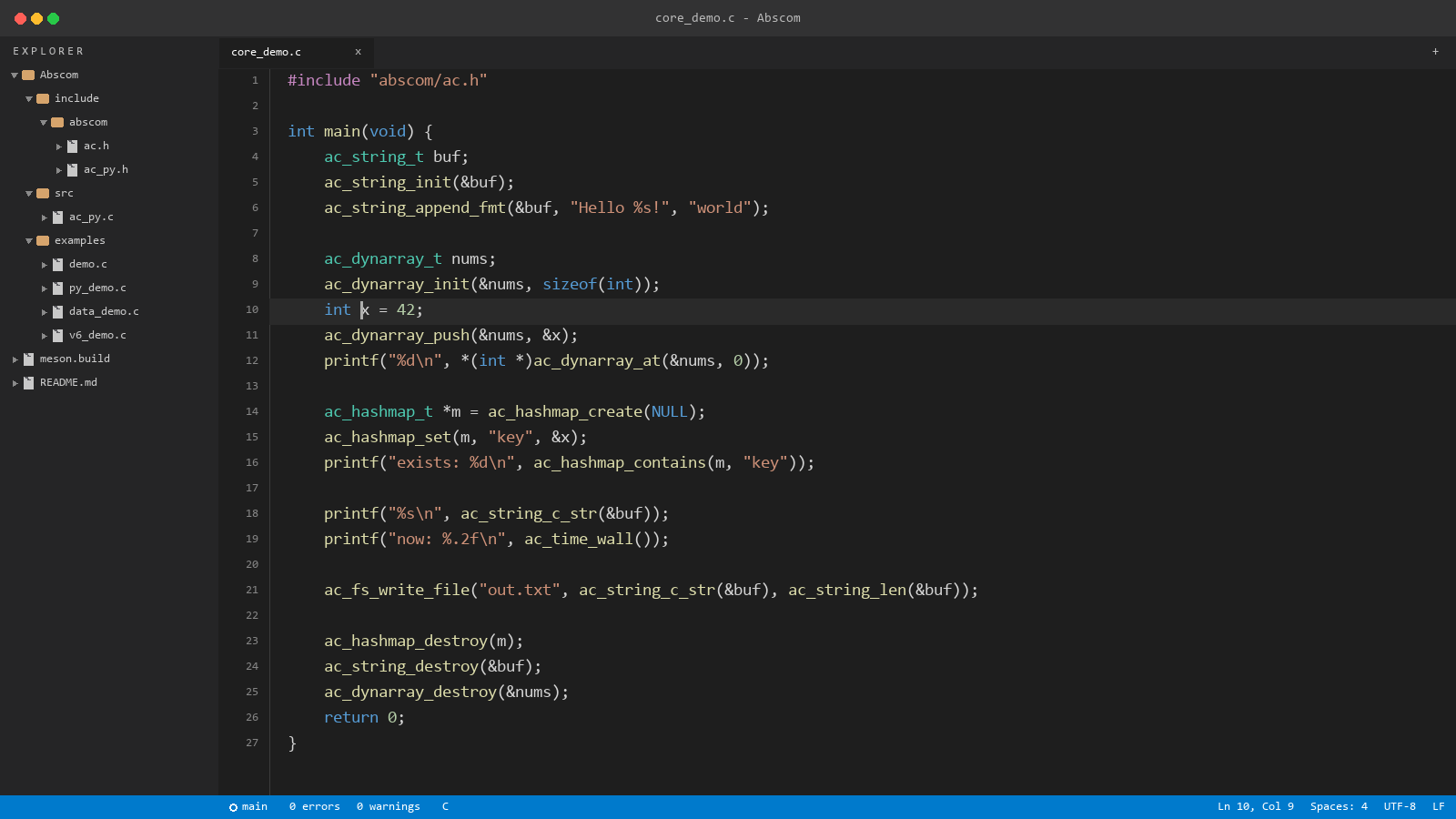
core_demo.c — abs_string, abs_dynarray, abs_hashmap, abs_time, and abs_fs.
examples.png
v6_demo.c, a highlight reel of the example programs: user callbacks with list_comp, the foreach macro, json_dump, and http_get with is_err.
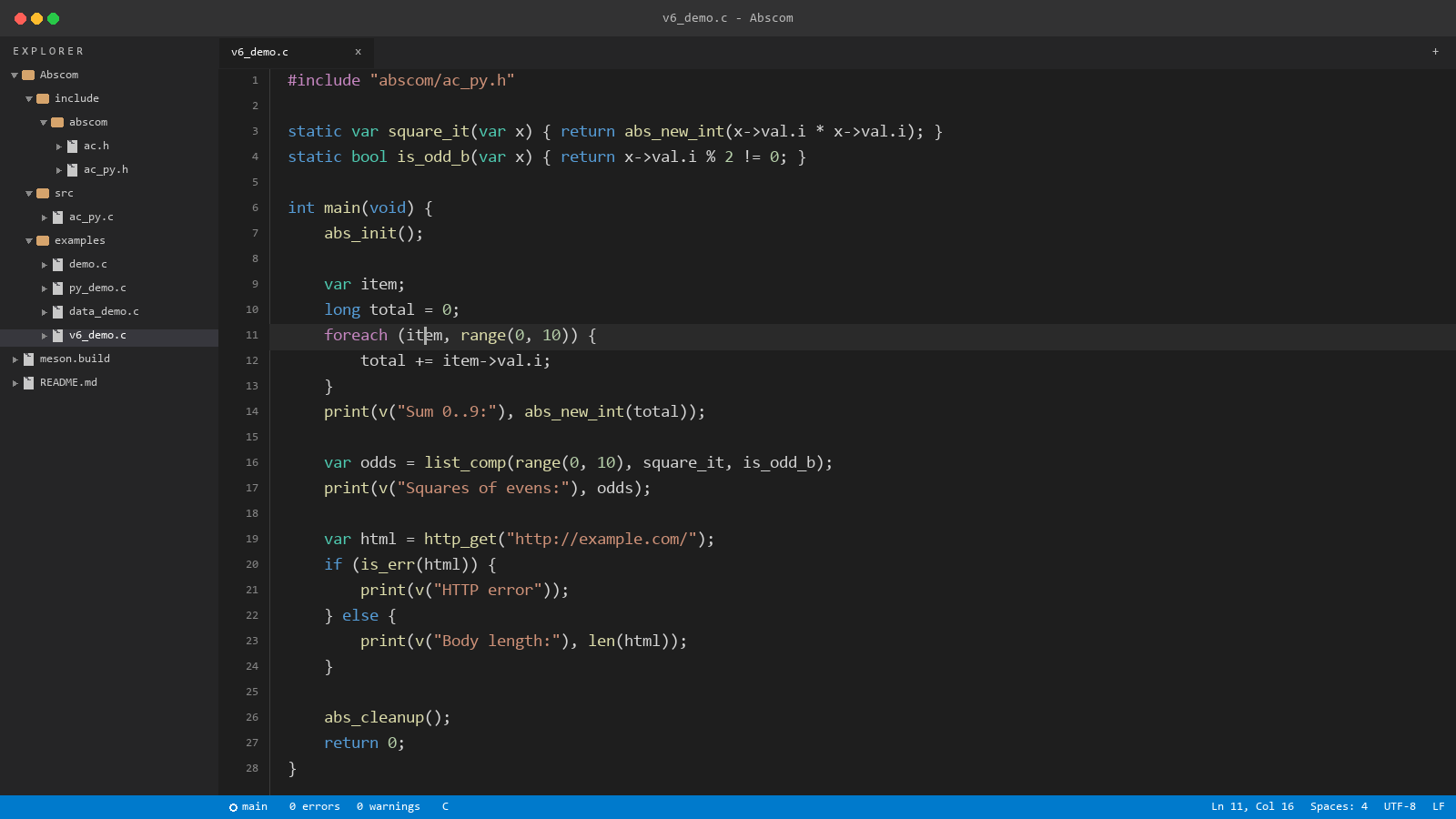
v6_demo.c — foreach, list_comp, and http_get.
Run the examples yourself from build/examples/ (see development.md).
Back to README.